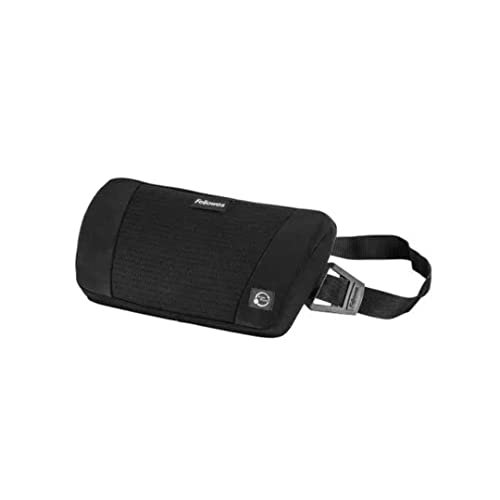











Fellowes Professional Ultimate Back Support
$47.76
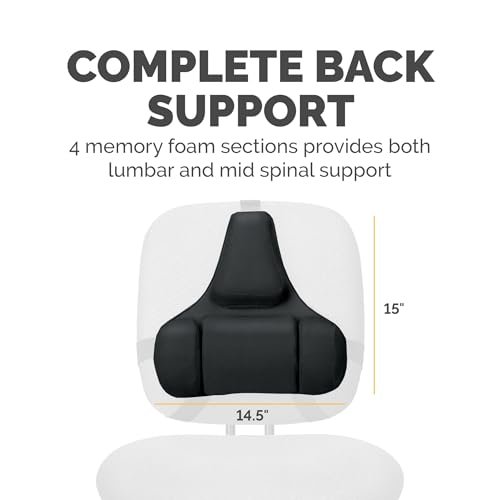
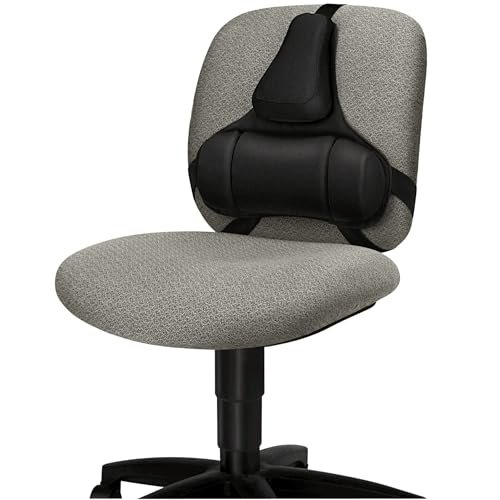
- Mid Spinal Support: Promotes neutral posture for improved spinal alignment and comfort.
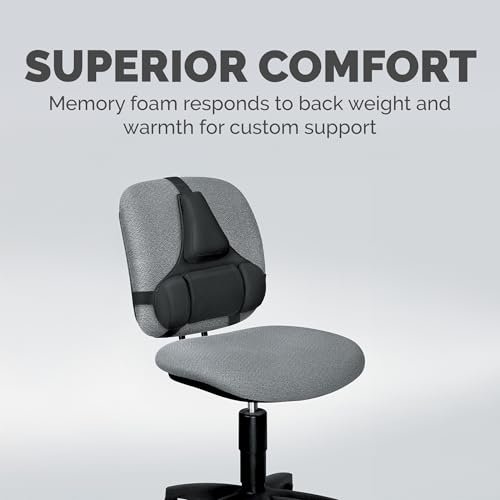
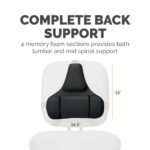
- Lumbar Memory Foam: Three conforming sections cradle your lower back, effectively reducing tension.
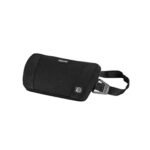
- Tri-Tachment System: Ensures quick, secure setup and stable positioning, eliminating constant readjustment.
- Ergonomic Design: FIRA accredited for excellence, it maintains a stress-free lumbar curve.
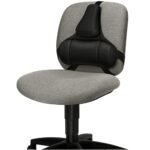
- Universal Compatibility: Easily attaches to most office chairs, integrating seamlessly into your workspace.
You’re now subscribed to price tracking for this product. We’ll notify you if the price drops.

Creating the Ideal Office Environment
Increasing flexibility around working needn’t risk reducing your comfort, health, and well-being. The location and environment of the modern workplace may be ever-changing, but the individual is constant – and the perfect workstation, wherever it may be, should still be designed to fit around you.
Ergonomic Solutions
A few easy adjustments to your workstation can make a huge difference to your daily routine. Fellowes understands the bad working habits that cause many of us physical health problems, fatigue, and stress. We use this knowledge to create a comprehensive range of ergonomic solutions that help you to enjoy a more comfortable, organized, active, and productive workspace.
Preventing Back Tension
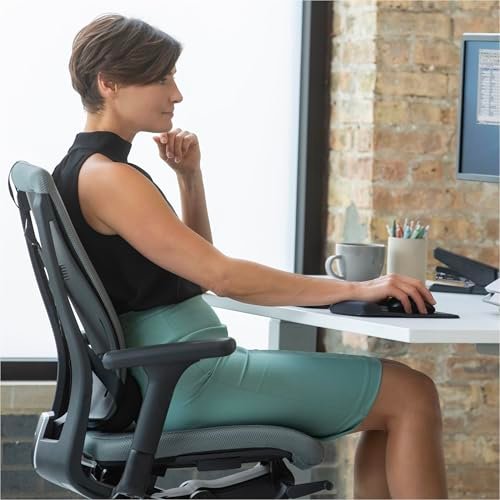
Sitting in a chair without proper support can cause back discomfort, poor circulation, overall fatigue, and long-term issues. Use a foot and back support together with a posture manager for your keyboard to maintain correct posture whilst sitting – combined with a sit-stand workstation, to enable movement into a standing position for work and naturally relieve pressure on your back. – zone 2 & 3 avoid.
Correcting Your Posture
At all times, you should avoid straining your back muscles and putting your body at risk. Always try to sit in the neutral posture by sitting back into your chair with your thighs parallel to the floor; this will improve circulation and overall comfort. Also, ensure that the top of your computer screen is at eye-level and documents are in front of you to allow in-line working and protect your neck from stress. – zone 2 avoid.


Fellowes Professional Series Ultimate Back Support
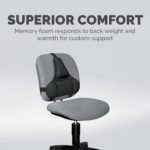
This superior back support features an ergonomic design that reduces back tension by maintaining the stress-free lumbar curve of your lower back, helping you to work in the most comfortable position. The three Memory Foam sections conform comfortably to the body’s curvature, whilst the mid-spinal support promotes good posture. The innovative Tri-Tachment system is quick to set up and ensures stability, eliminating the need for constant readjustment. It is suitable for use with most office chairs and FIRA accredited for ergonomic excellence.

4 Simple Steps to Actively Working Well
Zone 1 – Prevent Back Tension
Sitting in a chair without proper support can cause poor circulation, back discomfort, and overall fatigue.
Zone 2 – Avoid Wrist Pressure
Typing on a keyboard or laptop for hours at a time can cause pressure and pain to your wrists.
Zone 3 – Relieve Neck Strain
Tilting your head up or down to see your computer screen or twisting to the side to work puts strain on your neck.
Zone 4 – Reduce Inactivity
Alternate between sitting and standing to introduce more movement whilst working – and actively reduce the health risks of sedentary working such as heart disease, obesity, cancer, and diabetes.






Related products